How to Set Up an AI Sales Assistant for Your Venue
The exact setup order for an AI Sales Assistant at your venue: channels, calendar rules, knowledge base, qualification, follow-up, and the test checklist to run before going live.

How to Set Up an AI Sales Assistant for Your Venue
The step-by-step setup order, the documents to gather first, and the test checklist that catches problems before a single customer sees them.
TL;DR
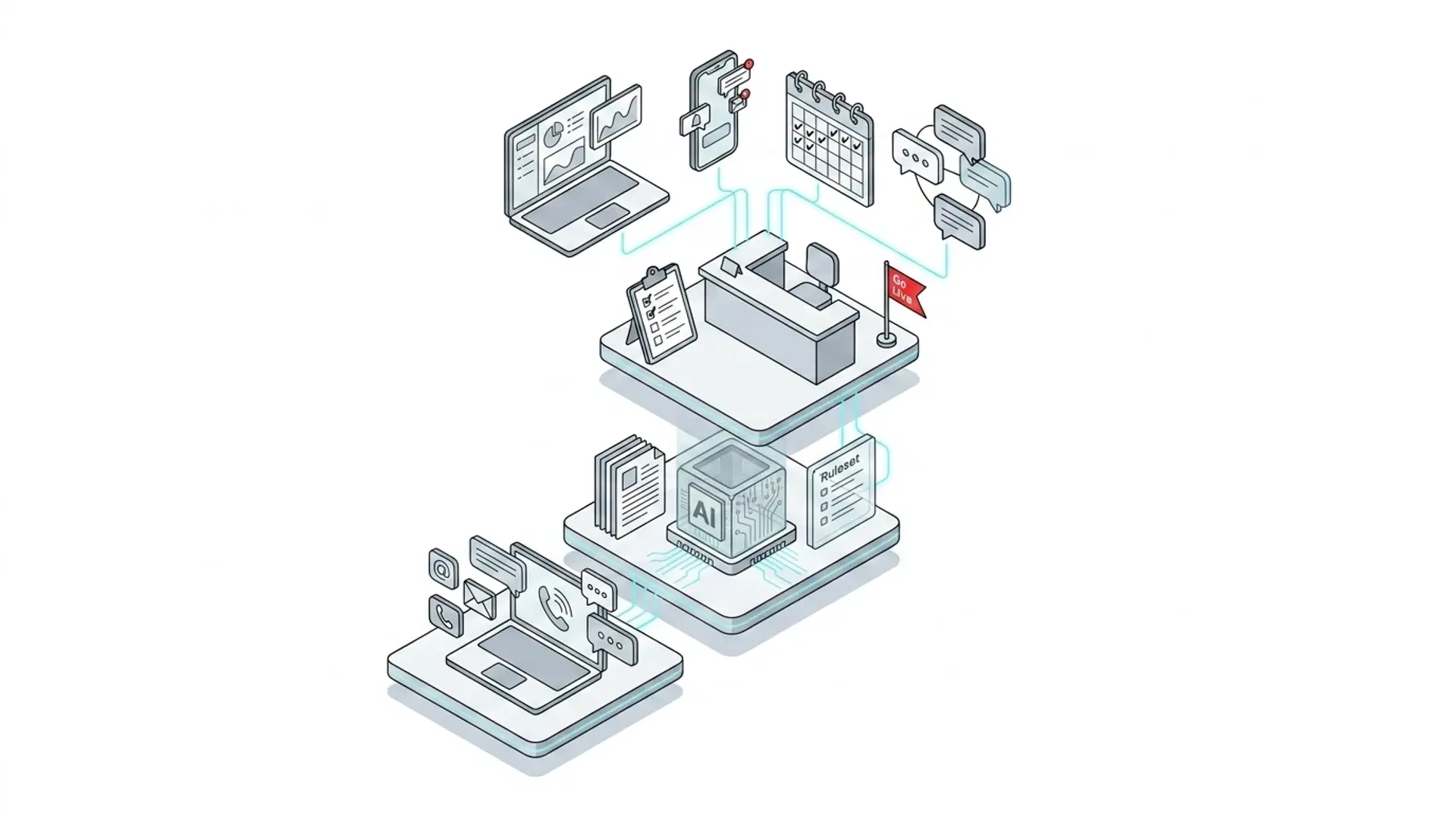
- Setup runs in seven steps: choose channels, connect your inbox and calendar, upload your documents, set qualification questions, configure follow-up, set handoff rules, and run test mode before going live.
- The work is gathering, not configuring. If your pricing sheets, policies, and tour logistics are ready, most venues finish the same day. With Mikla, connecting Gmail or Outlook takes one click and the AI trains itself from your documents in minutes.
- The single most important test before launch: ask it something it can't know. A trustworthy AI Sales Assistant says so and routes the question to you. One that guesses will quote a couple the wrong price at midnight.
- New to the category? Start with our guide to what an AI Sales Assistant for venues is, then come back here to set one up.
What to have ready before you start
Setup goes fast when the inputs are ready. Gather these five things first:
- Your pricing and packages, current versions. The number one setup mistake is training the AI on last season's PDF. Pull the rates you'd quote today.
- Your policies. Catering and alcohol rules, vendor requirements, pet policy, noise cutoffs, weather backup plans. The questions couples ask before they book.
- Tour logistics. How long a tour runs, who gives it, which days and hours you offer, how much notice you need, and which dates are blocked.
- Your qualification list. The three to five things you need from every lead before a tour makes sense. For most venues: event type, date, guest count, budget.
- Your current follow-up. Whatever you send today when a lead goes quiet, even if it's one email. You'll turn it into a sequence in step five.
That's it. No developer, no IT ticket. An AI Sales Assistant is configuration, not code.
The 7-step setup
-
Choose the channels it will cover: Start where your leads already arrive: email and website forms for most venues, marketplace leads if you pay for The Knot, WeddingWire, Hitched, or Zola listings. Then add the channels you've been dropping: a website chat widget, Instagram and Facebook DMs, WhatsApp, SMS, and phone. Coverage gaps are where leads leak; call-handling studies put the share of callers who hang up on voicemail without leaving a message at about 80%.
-
Connect your inbox and calendar: With Mikla, you connect Gmail or Outlook with one click and OAuth handles the rest. Run multiple inboxes (weddings@, events@, info@) under one account, and the AI replies from whichever address the customer wrote to. Then connect Google Calendar or Outlook and set your rules: tour duration, business hours, minimum notice, closed days. If you juggle several calendars, point the AI at all of them; it reads conflicts across every calendar before offering a slot and books to the one you choose.
-
Upload your documents to train the knowledge base: Drop in the pricing sheets, packages, and policies you gathered, as PDF, Word, text, or Markdown files. Mikla trains itself from your documents and is ready in minutes; you get an email when it's done. If you host more than one event type, keep separate knowledge bases per type, so corporate planners get corporate pricing and couples get wedding packages, never each other's.
-
Set your qualification questions: Enter the required fields from your list, phrased the way you'd ask them. Per event type, because a wedding needs a date and guest count while a corporate booking needs a company and a headcount. A well-configured assistant collects what's missing and nothing more: when a marketplace form already includes the guest count, it never asks twice.
-
Configure follow-up sequences: Decide the cadence (most venues start with touches at day 1, day 3, and day 7), the channel mix of email and SMS, and the content per event type. Set the auto-stop rules: the sequence ends the moment a lead replies, books, or opts out. Set quiet hours so nothing ever sends at 2am. This step has the highest payoff of the seven: the median business makes exactly one follow-up attempt, while persistence research shows six touches can reach a 93% contact rate.
-
Set handoff rules: Define when a human takes over: a lead accepts a deposit link, asks something outside the knowledge base, or requests a manager. Decide who on your team gets notified and how. The goal isn't zero human involvement; it's that humans enter with full context at the moment they add value, not at midnight to answer a parking question.
-
Run test mode, then go live: Before the AI talks to a real customer, preview exactly what it would send. Mikla's test mode shows the reply it would write to any inquiry, and you edit and approve until it sounds like your venue. Only then do you flip it live.
How to test it before launch
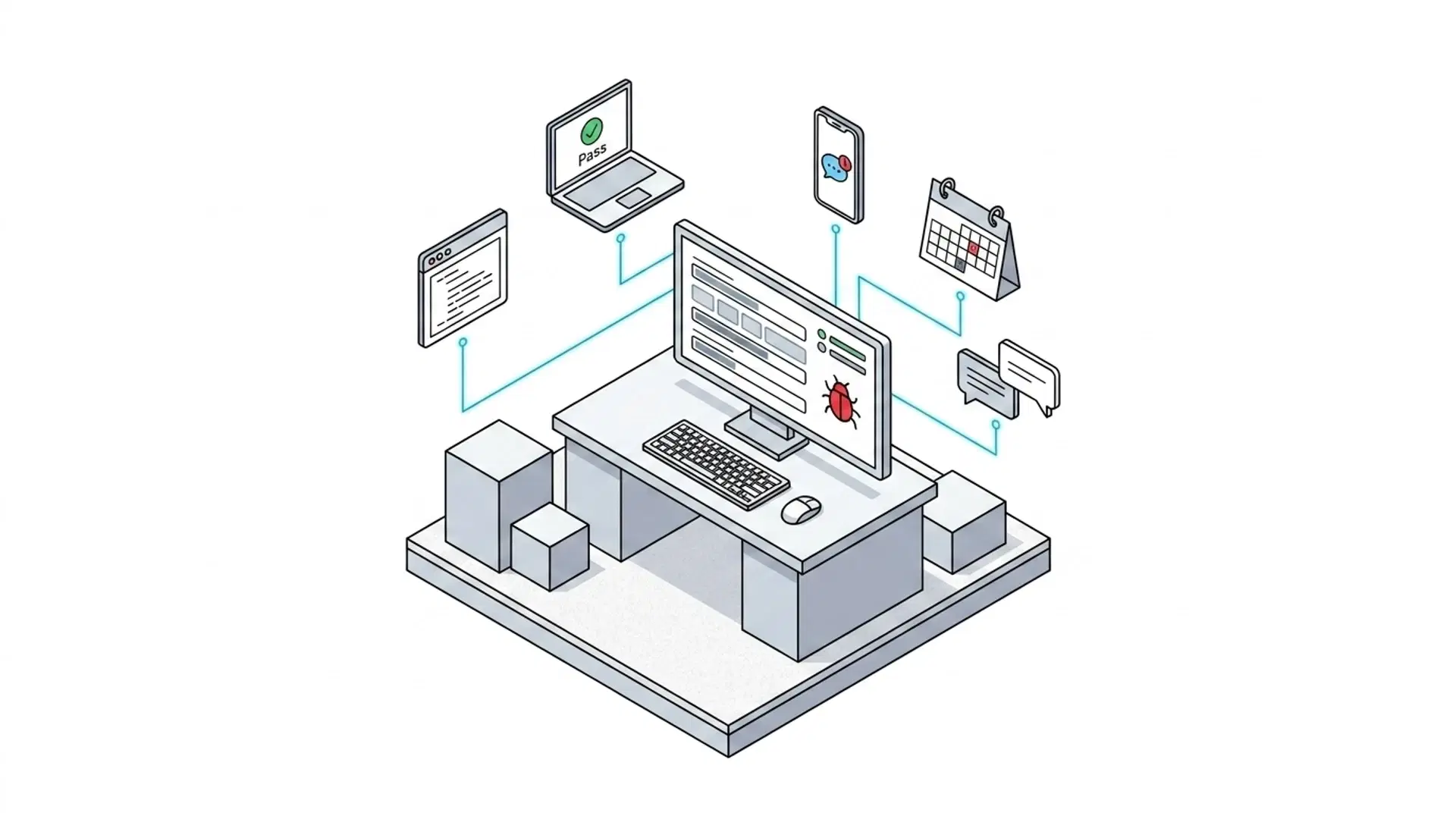
Test mode is where you earn confidence. Run these four checks:
- Send a test inquiry on every channel you enabled. Email yourself, fill your own website form, DM your Instagram. Confirm each one gets answered, in your signature and voice.
- Ask the hard questions. Peak Saturday pricing, capacity with a dance floor, package math for 120 guests. The answers must match your documents exactly.
- Ask something it can't know. Whether you allow drone photography, if that's in no document you uploaded. The correct answer is a graceful "I'll check with the team," followed by the question landing in your portal. If a tool invents an answer here, do not go live with it.
- Push the calendar edges. Request a tour on a closed day, with too little notice, and for tomorrow at a time you're already booked. All three should be declined with alternatives offered.
According to a Harvard Business Review study of 2,241 companies, 23% never responded to their leads at all. The bar you're testing against isn't perfection; it's whether the AI beats the status quo of silence. It will. Test anyway.
The first week: what to watch
Going live isn't the finish line. Spend ten minutes a day on three things in week one:
- Answer the pending-questions queue. Every question the AI couldn't answer lands in your portal. Answer once, and it knows forever. Most venues see this queue shrink to near zero within two weeks.
- Read the early conversations. Spot-check tone and accuracy. With Mikla you can fix wording in plain English ("change Friday hours to 6-11pm," "update the pet policy to service animals only") and the change is tested and previewed before it applies.
- Watch your handoffs. If too many conversations escalate, your knowledge base has gaps; the pending queue tells you which. If none escalate, tighten the rules so hot leads reach a human faster.
Five setup mistakes to avoid
- Training on stale documents. An AI quoting 2024 prices with total confidence is worse than no AI. Date your uploads and refresh them each season.
- Skipping the "can't know" test. The most expensive failure mode is a confident wrong answer. Verify the tool admits ignorance before it meets a customer.
- Asking for too much qualification. Ten required questions feel thorough and convert terribly. Three to five fields, then book the tour. You'll learn the rest in person.
- Forgetting calendar buffers. No notice minimum means a tour booked for 8am tomorrow that nobody knew about. Set buffers before connecting the calendar, not after the first surprise.
- Having no plan for handoffs. If nobody owns the notification when a hot lead needs a human, you've rebuilt the slow-response problem one level up. Name an owner on day one.
FAQ
How long does it take to set up an AI sales assistant for a venue?
Most venues go from signup to answering real inquiries the same day. The setup itself is fast: with Mikla, connecting Gmail or Outlook takes one click, the knowledge base trains itself from your uploaded documents in minutes, and test mode lets you approve everything before launch. The variable is how quickly you gather your pricing, policies, and tour logistics.
What documents do I need to train an AI sales assistant?
Your current pricing sheets and packages, venue policies (catering, alcohol, vendors, pets, weather plans), capacity details per space, and tour logistics. PDF, Word, plain text, and Markdown all work with Mikla. The rule: if a couple or planner asks about it before booking, a document you upload should answer it.
Do I need a developer to set up an AI sales assistant?
No. Setup is configuration through a portal: connecting accounts with OAuth, uploading documents, and filling in your questions and rules. With Mikla, adding a new event type, location, or call to action later is also a configuration change, with no code and no engineering tickets.
What happens when the AI gets a question it can't answer?
A well-built AI Sales Assistant says it will check with the team and forwards the question to you with the full conversation attached, instead of guessing. In Mikla, those questions land in a pending queue in your portal; you answer once and the AI handles that question itself from then on. Anyone on your team can work the queue.
Want the setup done with you?
Book a 15-minute demo and we'll run this exact setup live: connect a test inbox, upload one of your pricing documents, and watch Mikla answer, qualify, and book against your real calendar rules. You'll know before the call ends whether it sounds like your venue. No commitment, no card required.
Never miss another lead with Mikla's 24/7 AI sales agent.